
In the summer of 1994, a Scottish programmer named James Thomson started building a small utility for his Mac. At the time, the classic Mac OS had no built-in dock or launcher. If you wanted quick access to your applications, you created aliases on the desktop and hoped for the best.
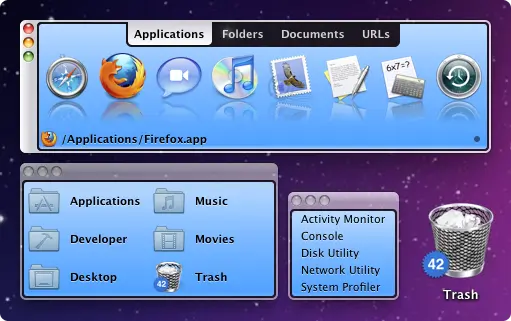
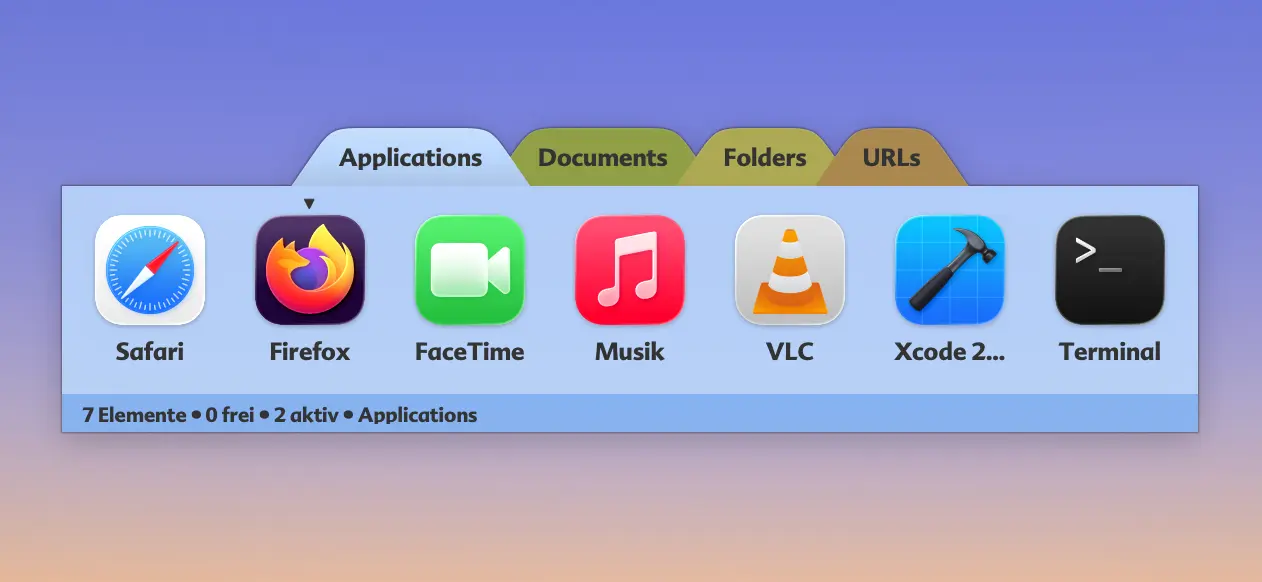
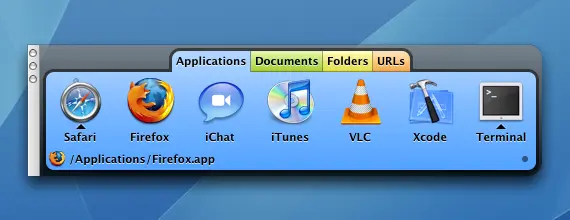
Thomson's utility, released publicly as DragThing 1.0 on May 1, 1995, changed that. It introduced the concept of a floating dock window where you could drag your applications, documents, and folders for one-click access. It was simple, elegant, and immediately indispensable.
What made DragThing truly special was its tabbed organization. You could create tabs labeled "Applications," "Documents," "Folders," and "URLs," grouping related items into a single, compact window. This was years before tabbed interfaces became common in web browsers.
The irony of DragThing's story is that Apple noticed Thomson's work and hired him. In the late 1990s, Thomson joined Apple's software team and was tasked with a secret project codenamed "Uberbar": turning designer Bas Ording's interface prototypes into working code. That project became the macOS Dock we all know today. James Thomson literally built the first working version of Apple's Dock.
He eventually left Apple and returned to DragThing, continuing to develop it for over two decades. The app earned praise from Douglas Adams, Stephen Fry, and countless Mac power users who considered it essential software.
But DragThing was built on Apple's Carbon framework, a 32-bit API. When Apple released macOS 10.15 Catalina in October 2019, all 32-bit applications stopped working overnight. Rewriting DragThing from scratch would have taken a year or more with no guaranteed outcome. Thomson made the difficult decision to retire the app after 24 years.